
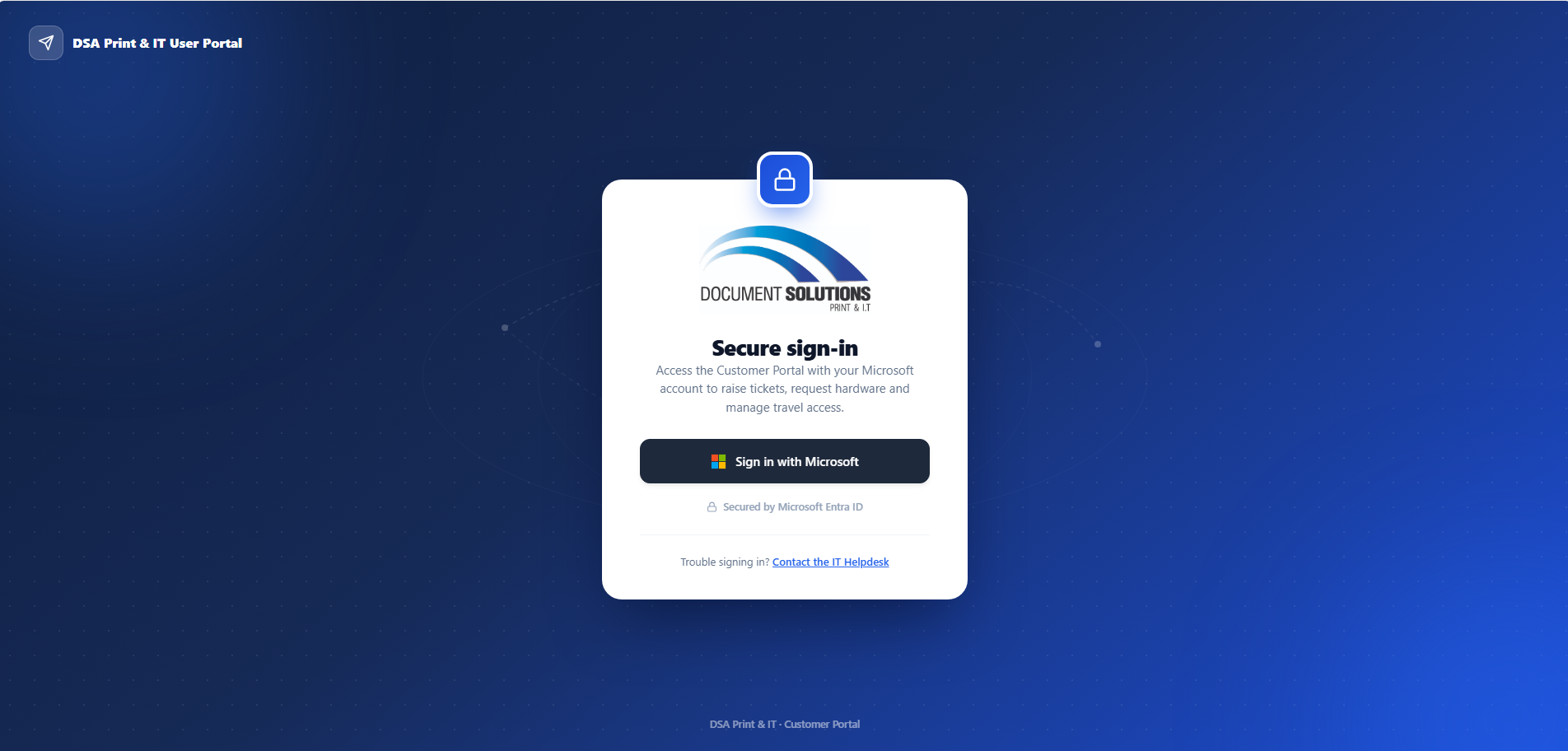
We have been busy building for our managed services customers! — a dedicated self-service portal where their teams can submit IT requests, track them in real time, and never have to chase an email thread again.
The problem we were solving
Managing IT requests across a growing business means juggling multiple channels — email, phone, Teams messages. It works, but visibility is limited: staff don’t always know where their request is up to, and managers can’t easily see what their team is waiting on.
The portal was built to give everyone that visibility, without changing how our team works behind the scenes.
What your team can do with it
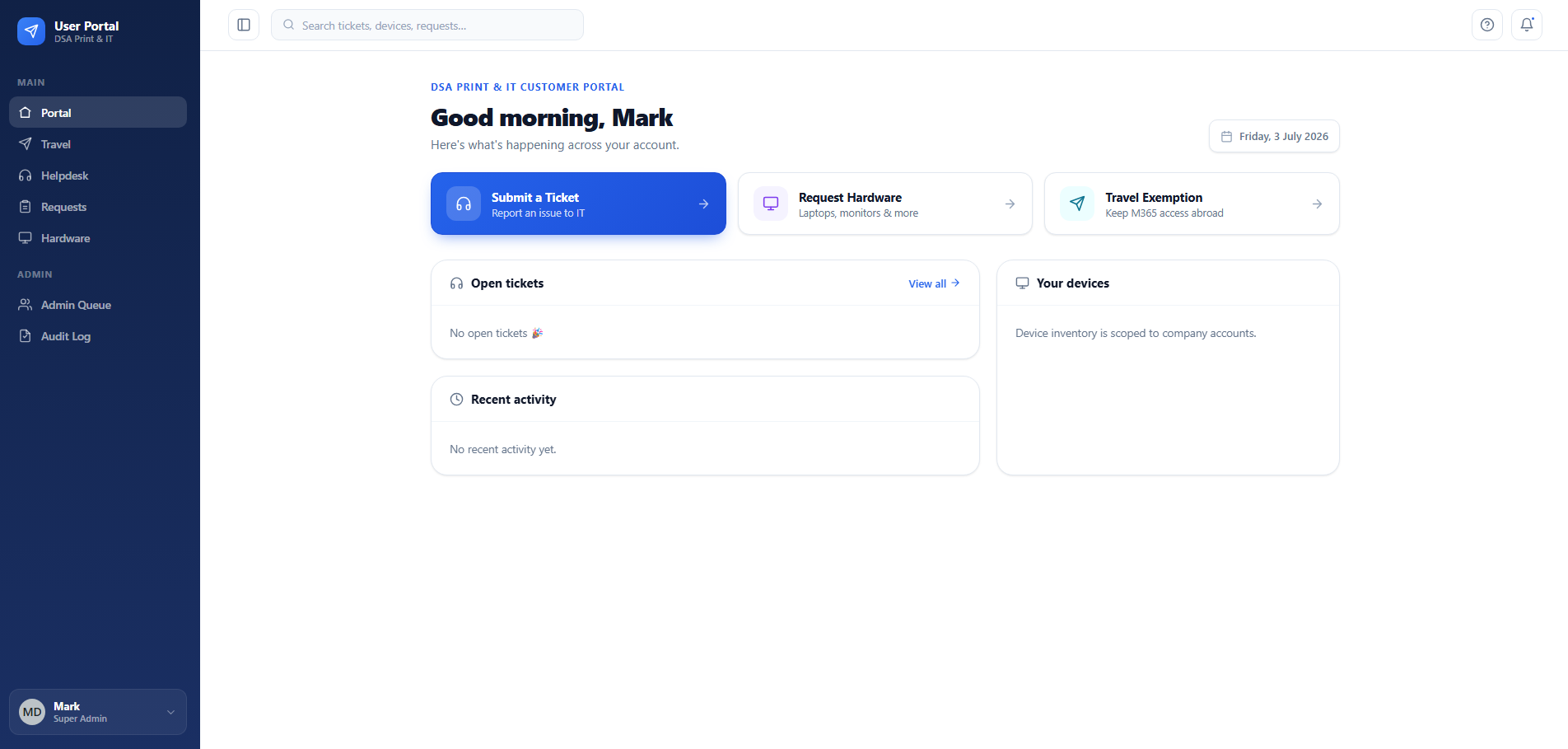
The portal handles three types of requests that come up regularly for businesses we manage:
- Helpdesk tickets — IT support requests across any category: software issues, printing problems, cloud access, applications, security concerns. Staff submit a ticket and get a reference number straight away.
- Travel exemptions — if someone is heading overseas and needs uninterrupted Microsoft 365 access, they submit a travel request with their dates and destination. We handle the geo-block exemption from there.
- Hardware requests — laptops, monitors, software licences. Staff submit a request with a brief justification, it lands with the right person on our team, and there’s a tracking ID from the moment it’s submitted.
There’s no new password to remember. Staff sign in with their existing Microsoft work account — the same one they use for Outlook and Teams every day. If they’re already signed in to Microsoft, they’re in the portal in a single click.
What managers see
One of the most common frustrations we hear from business managers is not knowing the status of IT requests across their team — especially if something critical is sitting in a queue without any visibility.
The portal gives company managers a broader view. They can see all requests submitted by people in their organisation — helpdesk tickets, travel requests, hardware orders — with live status updates as our team works through them. Employees see their own requests only. It’s clean, role-based access with no configuration required on your end.
How it connects to our team
When a helpdesk ticket is submitted through the portal, it doesn’t land in someone’s email inbox. It creates a ticket directly inside our internal service management system — automatically, with all the details, assigned to the right team. As our team works through it, the status shown in your portal updates automatically.
Getting your business set up
If you’re an existing DSA managed services customer and you’d like access to the portal, reach out to your account manager or contact us at, we set up your company, invite your staff by email, and they’re ready to go — no software to install, no training beyond “sign in with Microsoft and fill in the form.”
Want to see it in action before signing up? Get in touch — we’re happy to walk through it.