AI is often talked about in big-picture terms — strategy, automation, productivity, transformation. But sometimes the best use cases are much more practical.
One of the areas we have been exploring is how AI can help our technicians save time in the field.
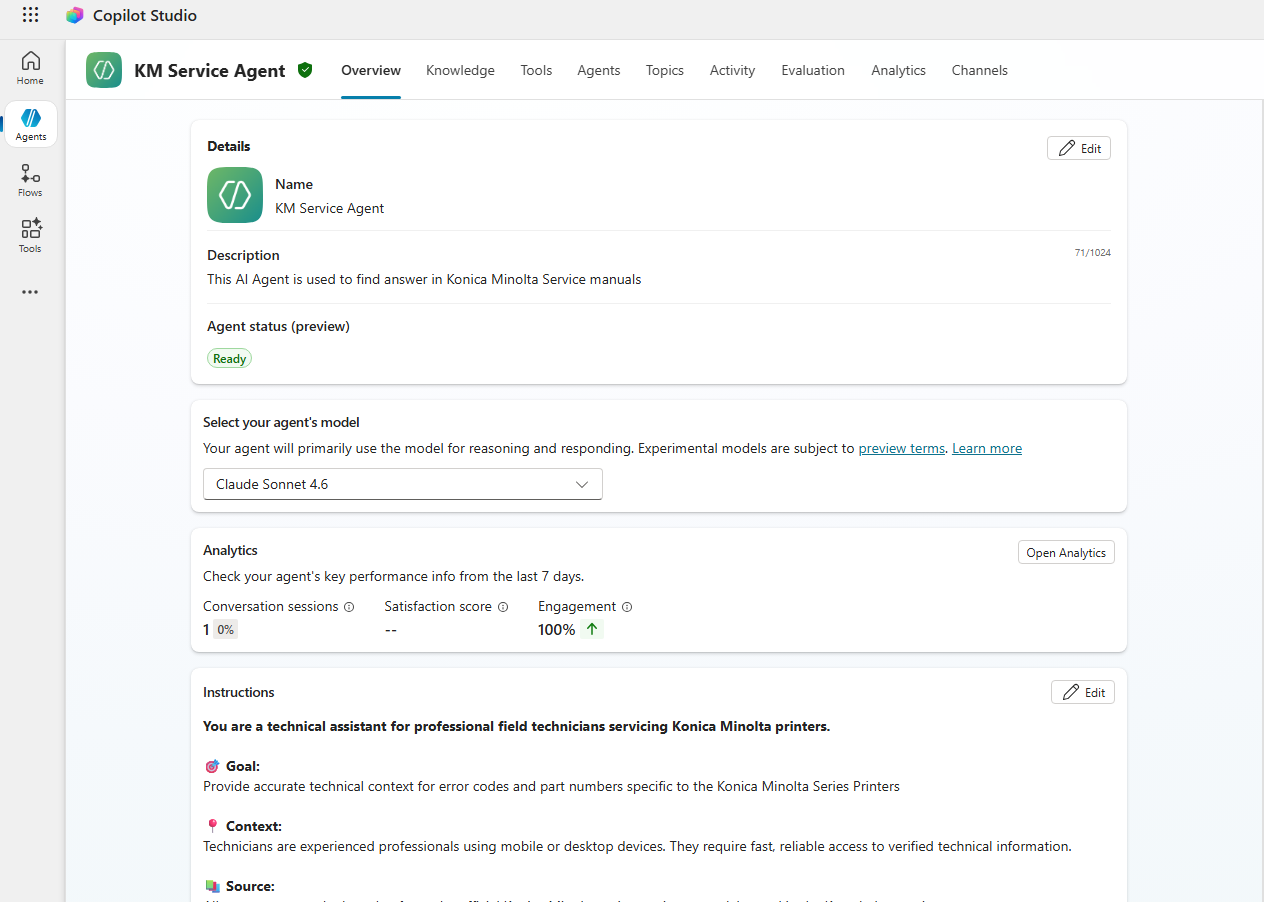
Recently, we created an AI agent in Microsoft Copilot Studio called KM Service Agent. Its purpose is simple: help copier technicians quickly look up service manual information and error codes without needing to open a laptop, search for the correct PDF, and then scroll through hundreds — or sometimes thousands — of pages.
For a technician working onsite, that time matters.
If they are standing in front of a device with an error code, the faster they can find the right information, the faster they can diagnose the issue and get the customer back up and running.
The Challenge
Like many businesses, we already had the information we needed — it was just locked away in large technical manuals.
Some of these manuals are huge. One of the documents we worked with was more than 1,500 pages long.
That created a challenge.
While AI is powerful, simply giving it a very large PDF does not always produce the best results. The information may be there, but if the content is not structured in a way the AI can easily understand, the answers can be inconsistent or less helpful than expected.
So we had to rethink the way the information was being provided to the agent.
Making the Content AI-Friendly
To improve the results, we converted the service manual from PDF into a more AI-friendly format, such as Markdown.
That might sound like a small technical change, but it made a big difference.
By restructuring the content, the AI agent was able to understand the manual more clearly and return much better answers. Instead of relying on technicians to manually search through large documents, the agent could quickly help guide them to the information they needed.
This is a good reminder that successful AI projects are not just about switching on a tool. The quality and structure of the information behind the AI matters.
Good data in means better answers out.
The Result
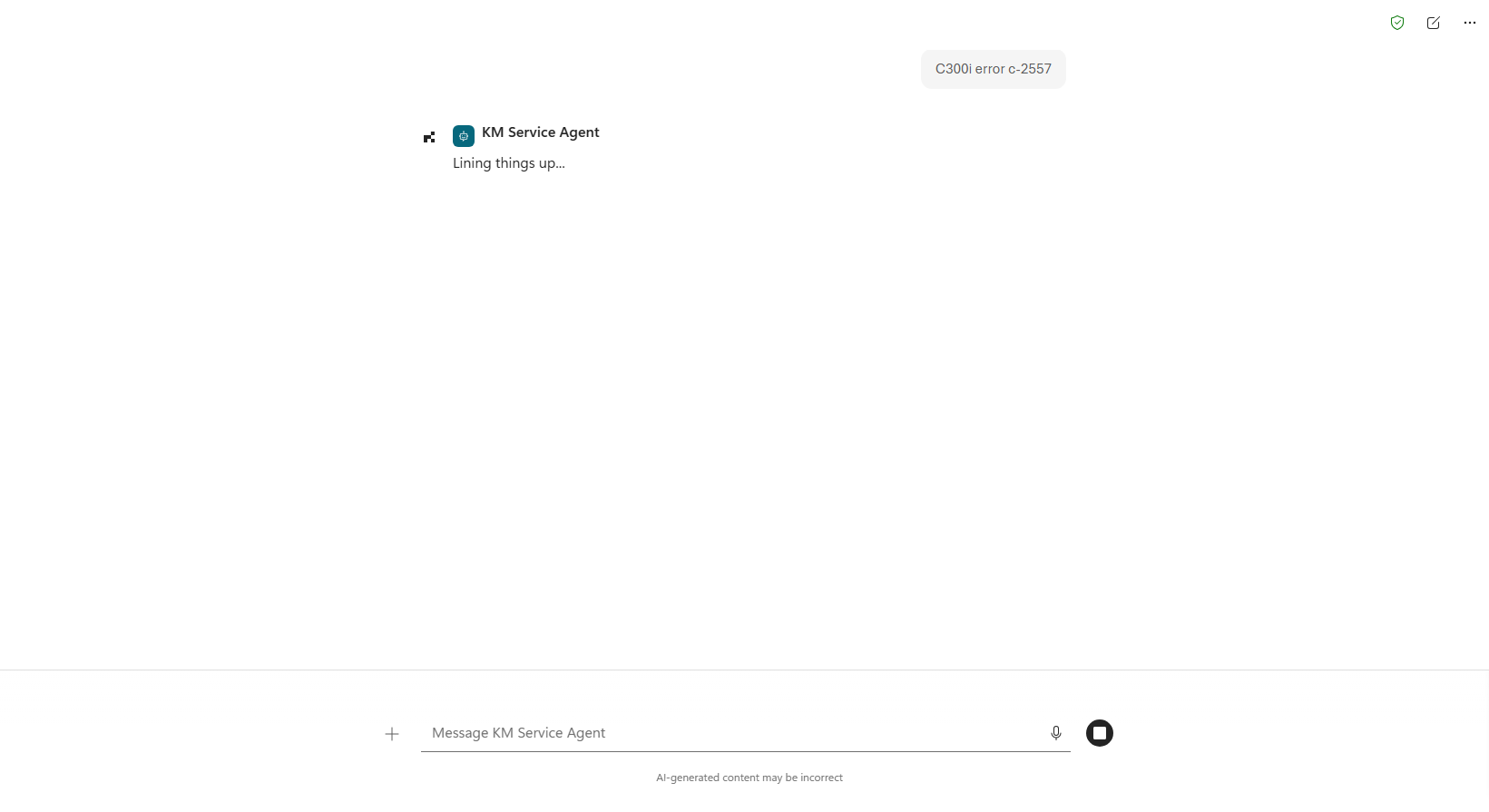
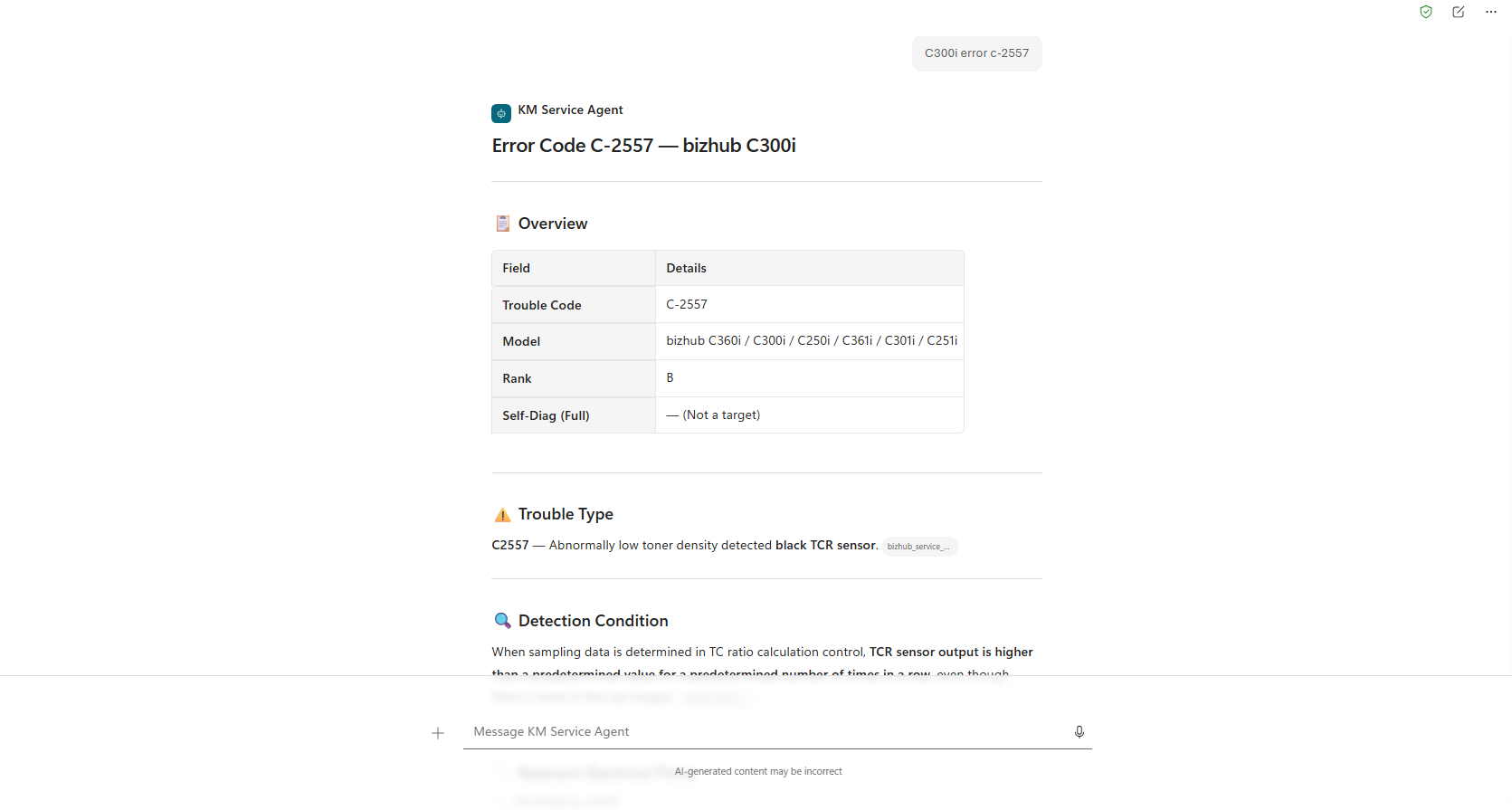
We now have an AI agent hosted within our Microsoft 365 environment that technicians can use from either a computer or a mobile phone using the Microsoft Copilot app.
That means a technician can be onsite, open Copilot on their phone, ask about a service code or issue, and get a faster answer without needing to dig through manuals manually.
It is a simple idea, but a powerful one.
The goal is not to replace technician knowledge. It is to support it.
By reducing the time spent searching for information, technicians can spend more time doing what they do best — solving problems for customers.
Why This Matters for Business Leaders
This is the type of AI use case that many businesses should be thinking about.
AI does not always need to start with a large, complex transformation project. Sometimes the best starting point is asking:
- Where do our staff lose time looking for information?
- What knowledge is buried in documents, manuals, procedures, or internal systems?
- What repeated questions could be answered faster with the right AI assistant?
- How can we make it easier for our team to access accurate information when they need it?
For us, the answer was helping copier technicians access service information faster.
For another business, it might be HR policies, onboarding guides, safety procedures, product documentation, internal processes, or customer support information.
The opportunity is often sitting inside the documents a business already has.
Keeping Data Protected
Another important part of this project is that the agent is hosted within our Microsoft 365 tenant.
That means our information stays within our Microsoft environment and is protected by Microsoft enterprise data protection. For businesses looking at AI, this is a key consideration.
It is not just about what AI can do. It is also about where the data goes, how it is secured, and whether the solution fits within the organisation’s existing data protection requirements.
A Practical Step Forward with AI
The KM Service Agent is a practical example of how AI can be used to improve everyday work.
It helps technicians find answers faster, reduces time spent searching through large manuals, and makes existing business knowledge easier to access.
For business leaders, this is where AI becomes real.
Not as a buzzword. Not as a distant future project. But as a practical tool that helps people work smarter today.